It all starts with a problem...


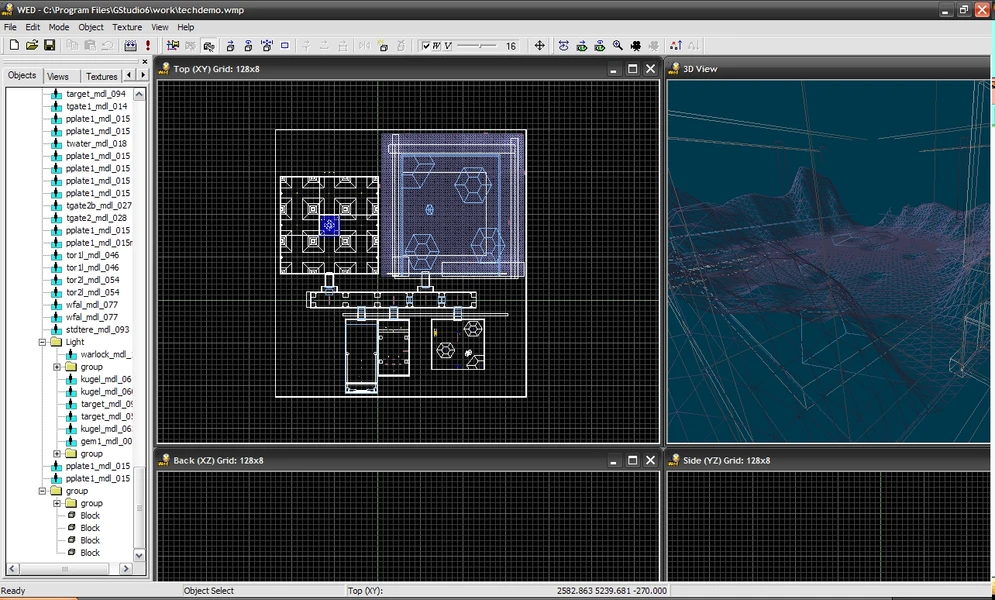
It all starts with a problem...
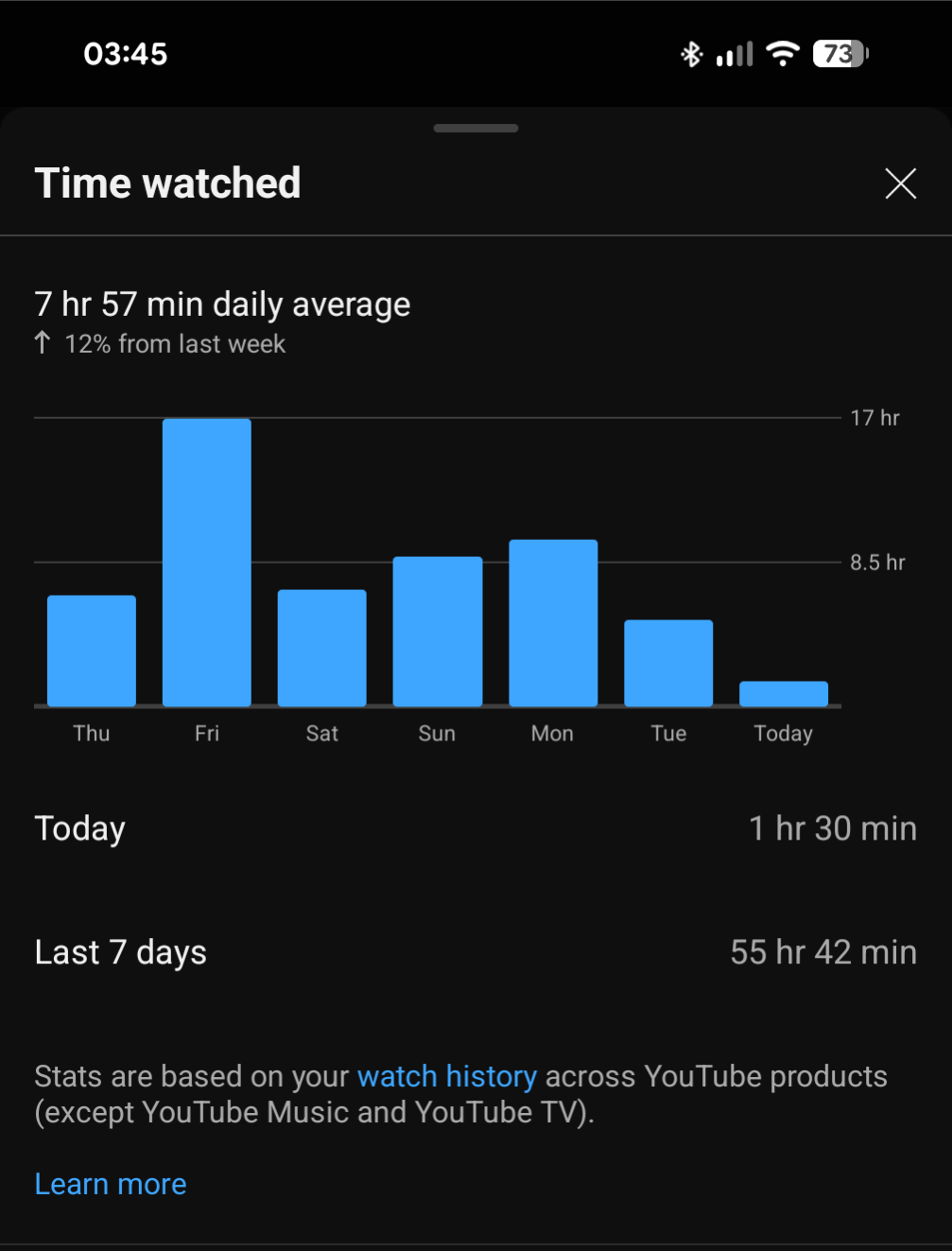

That's why I like this.
You offer solutions.
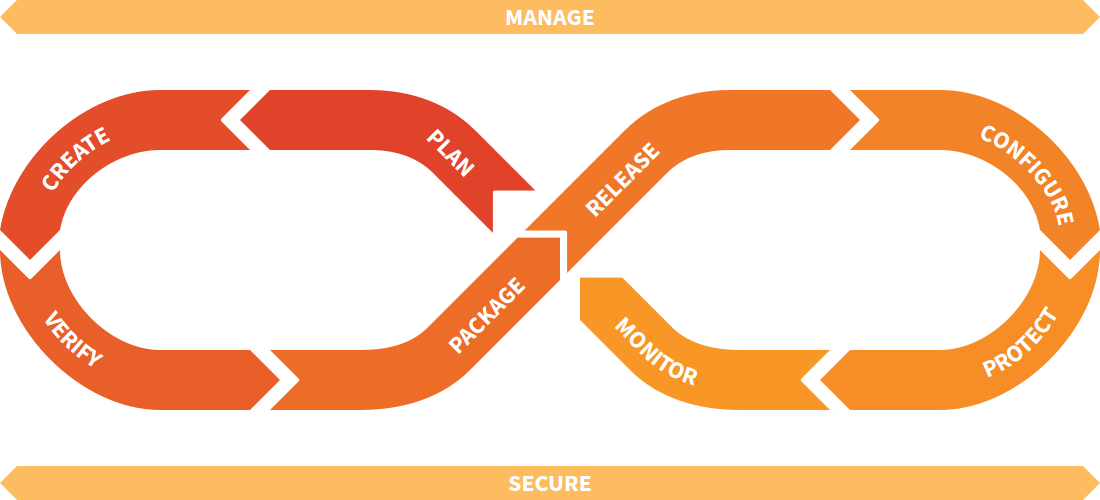
That's great.
If that's my job.
(a pragmatic guide to)
Service automation:
Maintenance at scale
Standing on the shoulders of giants
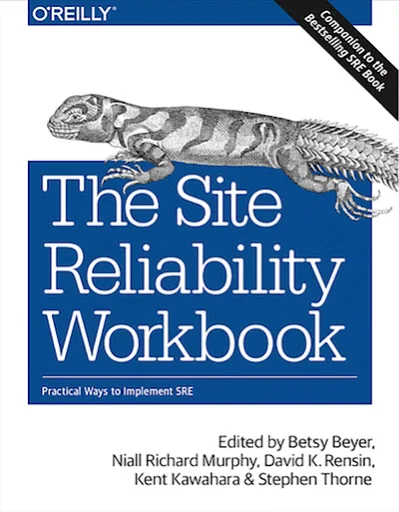
If a human operator needs to touch your system during normal operations, you have a bug. The definition of normal changes as your systems grow.
— Carla Geisser, Google SRE

Fail Faster (via Extra Credits)
What's the plan?
- about:
- Docker
- Git / GitHub / GitHub Actions
- Renovate
- Terraform
- Let's...
- look at OSS Google Photos
- deploy this presentation
- Actively used alternatives:
- Mobile apps
- Web apps
- Web services
- A few words on Nix(OS)
about: docker
A file named
Dockerfile
                        FROM node:25-alpine

                        WORKDIR /app
                        COPY ./ /app

                        RUN npm ci

                        CMD ["npm", "run", "start"]
Followed by...
$ docker build -t my-app .
$ docker run -p 3000:3000 my-app
A file named
docker-compose.yml
services:
  db:
    image: postgres:17.7-alpine
    restart: unless-stopped
    environment:
      - POSTGRES_USER=${TTRSS_DB_USER}
      - POSTGRES_PASSWORD=${TTRSS_DB_PASS}
    volumes:
      - db:/var/lib/postgresql/data

  app:
    image: cthulhoo/ttrss-fpm-pgsql-static:latest
    restart: unless-stopped
    volumes:
      - app:/var/www/html
    depends_on:
      - db
    environment:
      - TTRSS_DB_USER=${TTRSS_DB_USER}
      - TTRSS_DB_PASS=${TTRSS_DB_PASS}

volumes:
  db:
  app:
$ docker-compose up
No more
"how do I start
this again?"
about: git
Versionized code repositories
about: GitHub
GitHub: One (of many) providers to offer storing these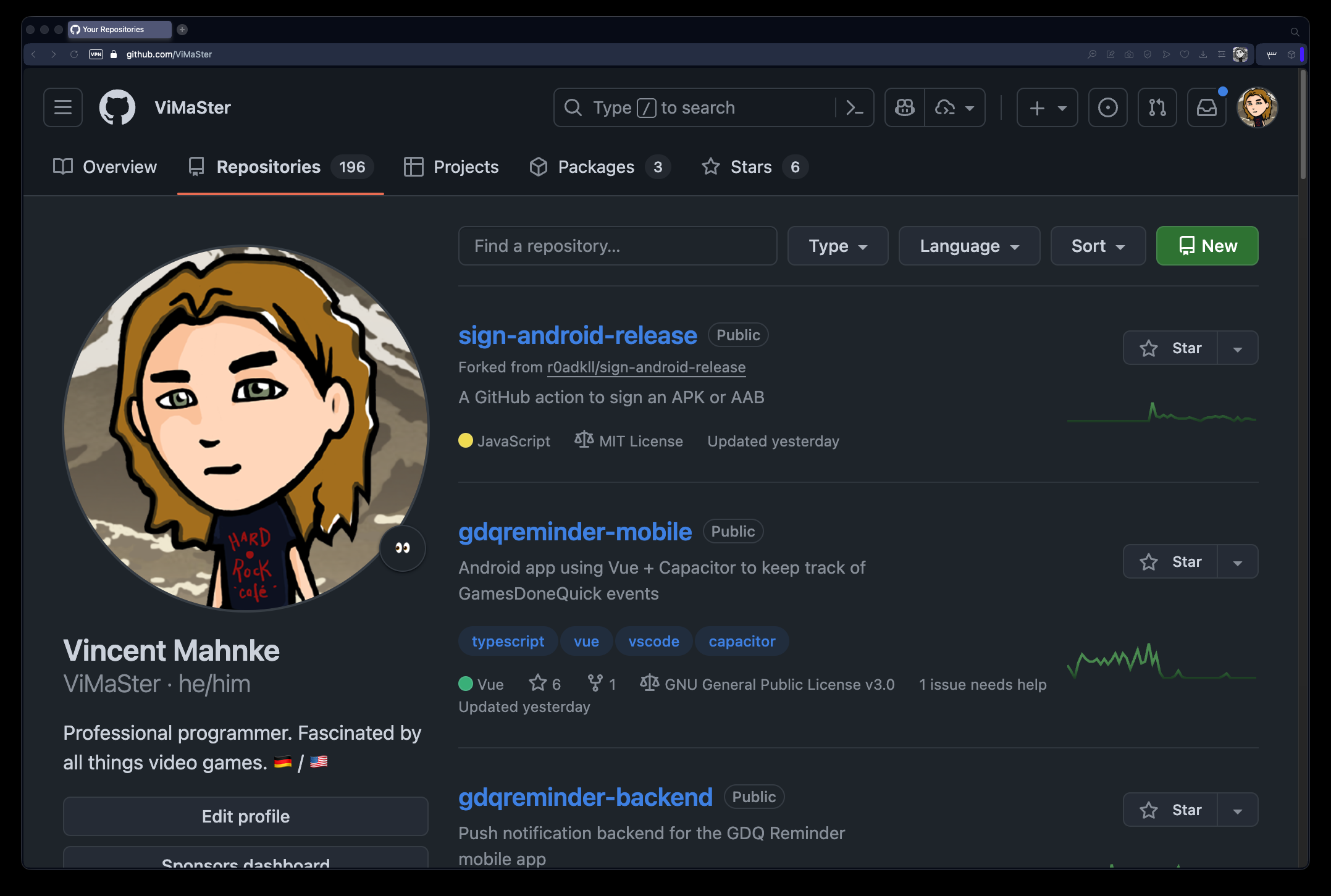
about: GitHub Actions
Free* computers
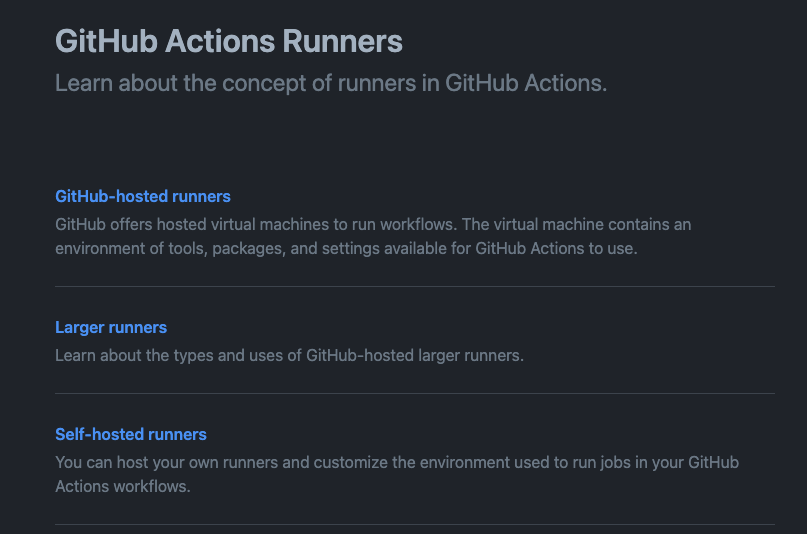
/.github/workflows/build.yml
name: Build and test

on:
  - push

jobs:
  build:
    runs-on: ubuntu-latest
    strategy:
        matrix:
        node: ['lts/*', 'latest']

    steps:
        - name: Checkout repository
          uses: actions/checkout@v6

        - name: Set up Node.js ${{ matrix.node }}
          uses: actions/setup-node@v6
          with:
            node-version: ${{ matrix.node }}

        - name: Install dependencies
          run: npm ci

        - name: Build the project
          run: npm run build

        - name: Run the tests
          run: npm test -- --coverage
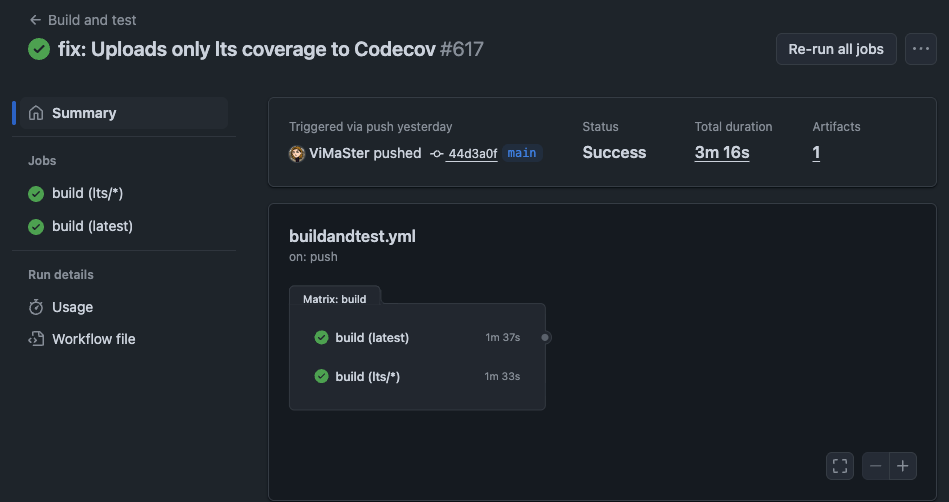
No more
"I don't have
time for that."
about: Renovate
A file named
/renovate.json
  {
    "$schema": "https://docs.renovatebot.com/renovate-schema.json",
    "extends": [
      "config:recommended"
    ]
  }
followed by
$ npx renovate
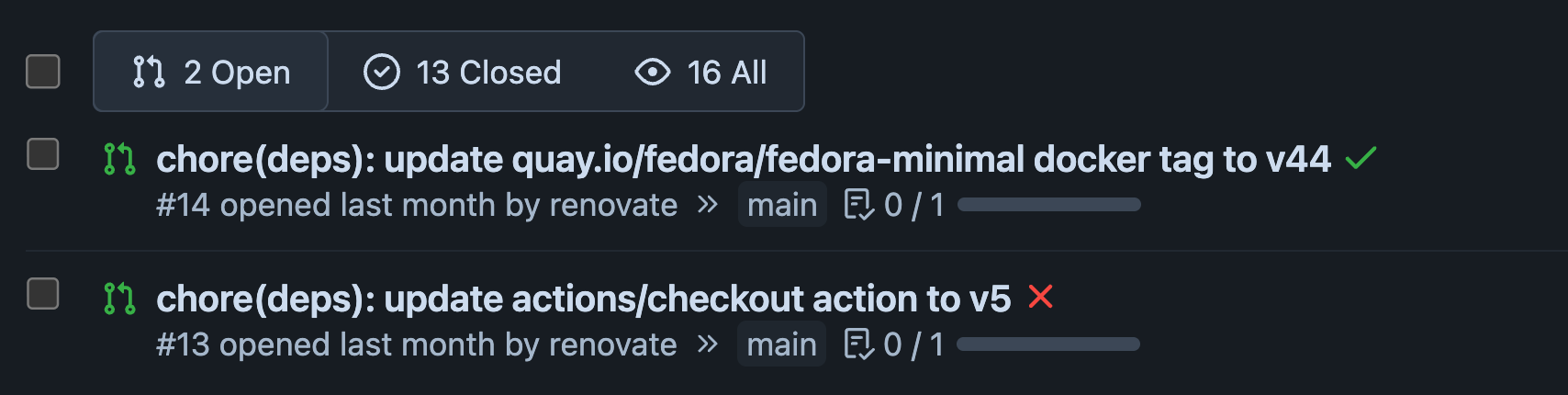
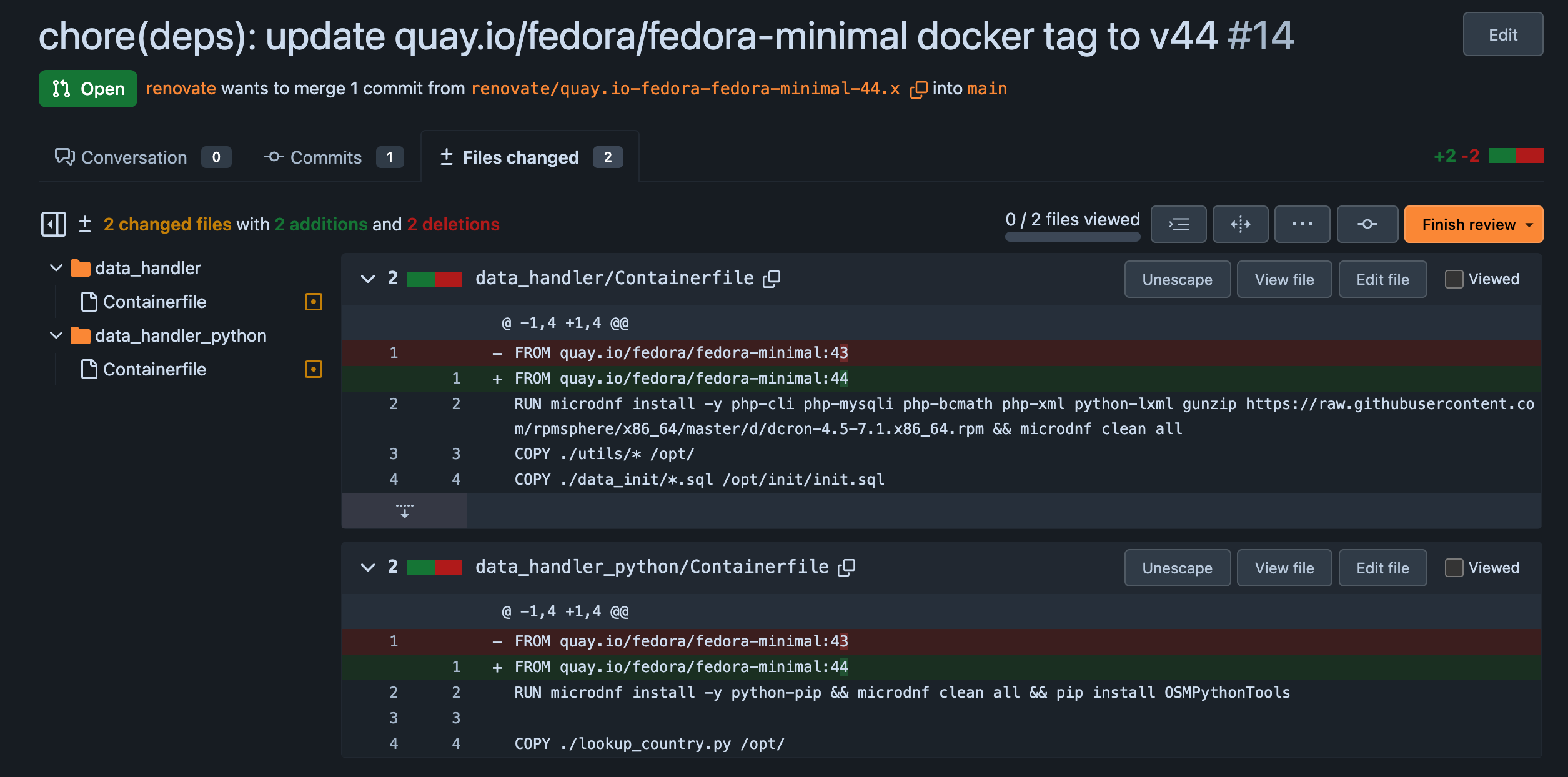
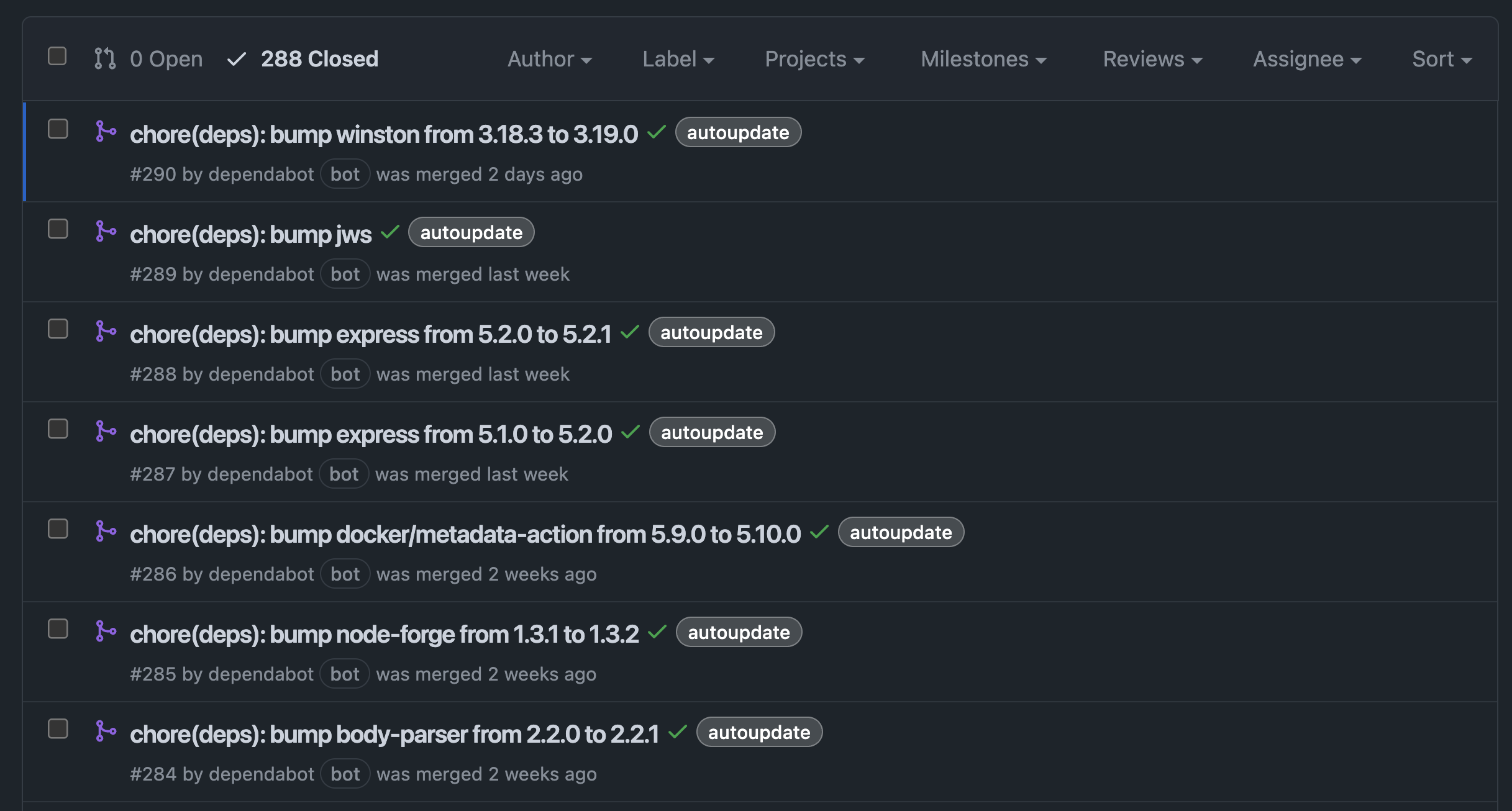
Supports just a few providers...
artifactory, aws-eks-addon, aws-machine-image, aws-rds, azure-bicep-resource, azure-pipelines-tasks, azure-tags, bazel, bitbucket-server-tags, bitbucket-tags, bitrise, buildpacks-registry, cdnjs, clojure, conan, conda, cpan, crate, custom, dart, dart-version, deb, deno, devbox, docker, dotnet-version, endoflife-date, flutter-version, forgejo-releases, forgejo-tags, galaxy, galaxy-collection, git-refs, git-tags, gitea-releases, gitea-tags, github-release-attachments, github-releases, github-runners, github-tags, gitlab-packages, gitlab-releases, gitlab-tags, glasskube-packages, go, golang-version, gradle-version, hackage, helm, hermit, hex, hexpm-bob, java-version, jenkins-plugins, jsr, kubernetes-api, maven, nextcloud, node-version, npm, nuget, orb, packagist, pod, puppet-forge, pypi, python-version, repology, rpm, ruby-version, rubygems, sbt-package, sbt-plugin, terraform-module, terraform-provider, typst, unity3d, unity3d-packages

If you're feeling bold...
No more
"What do I need
to update where?"
about: Terraform
Declarative programming, rather than imperative
Describe what you want to have, not how you get there
Imperative
FROM node:25-alpine

WORKDIR /app
COPY ./ /app

RUN npm ci

CMD ["npm", "run", "start"]
Declarative
services:
  db:
    image: postgres:17.7-alpine
    restart: unless-stopped
    environment:
      - POSTGRES_USER=${TTRSS_DB_USER}
      - POSTGRES_PASSWORD=${TTRSS_DB_PASS}
    volumes:
      - db:/var/lib/postgresql/data
Oh hey, my provider has an API for that!
                                $api = new KASApi($username, $password);
                                $subdomains = $api->getSubdomains();
                                $domainId = null;
                                foreach ($subdomains as $subdomain) {
                                    if ($subdomain->name === 'presentation') {
                                        $domainId = $subdomain->id;
                                        break;
                                    }
                                }
                                if ($domainId === null) {
                                    $api->createSubdomain('presentation', 'A', '88.99.215.101');
                                    exit 0;
                                }

                                if ($subdomain->type === 'A' && $subdomain->target === '88.99.215.101') {
                                    exit 0;
                                }

                                $api->upsertSubdomain($domainId, 'presentation', 'A', '88.99.215.101');
      resource "allinkl_dns" "subdomain" {
        zone_host   = "mahn.ke"
        record_type = "A"
        record_name = "presentation"
        record_data = "88.99.215.101"
      }
$ terraform plan
$ terraform plan
allinkl_dns.subdomain: Refreshing state...

Terraform used the selected providers to generate the following execution
plan. Resource actions are indicated with the following symbols:
  ~ update in-place

Terraform will perform the following actions:

  # allinkl_dns.subdomain will be updated in-place
  ~ resource "allinkl_dns" "subdomain" {
      ~ last_updated = "Friday, 05-Dec-25 04:02:04 UTC" -> (known after apply)
      ~ record_data  = "1.2.3.4" -> "88.99.215.101"
        # (5 unchanged attributes hidden)
    }

Plan: 0 to add, 1 to change, 0 to destroy.
I just happen to have an example!
No more
"Why do I need
this again?"
In summary: No more...
- Docker:"How do I start this again?"
- GitHub Actions:"I don't have time for that."
- Renovate:"What do I need to update where?"
- Terraform:"Why do I need this again?"
Ich hab’ da mal was vorbereitet
A few words on Nix
Remember Terraform? Imagine this for every tool you need.
{ pkgs ? import <nixpkgs> {} }:

pkgs.mkShell {
  buildInputs = [
    vscode-with-extensions = pkgs.vscode-with-extensions.override {
          vscodeExtensions = with pkgs.vscode-extensions; [
              ms-vscode.ms-vscode.vscode-typescript-next
              esbenp.prettier-vscode
          ];
    }
    pkgs.nodejs_22
  ];
}
$ nix-shell
Imagine if you could build entire bootable systems with that...
$ nixos-generate --format iso --configuration ./myimage.nix -o result
👀
OSS Web Alternatives
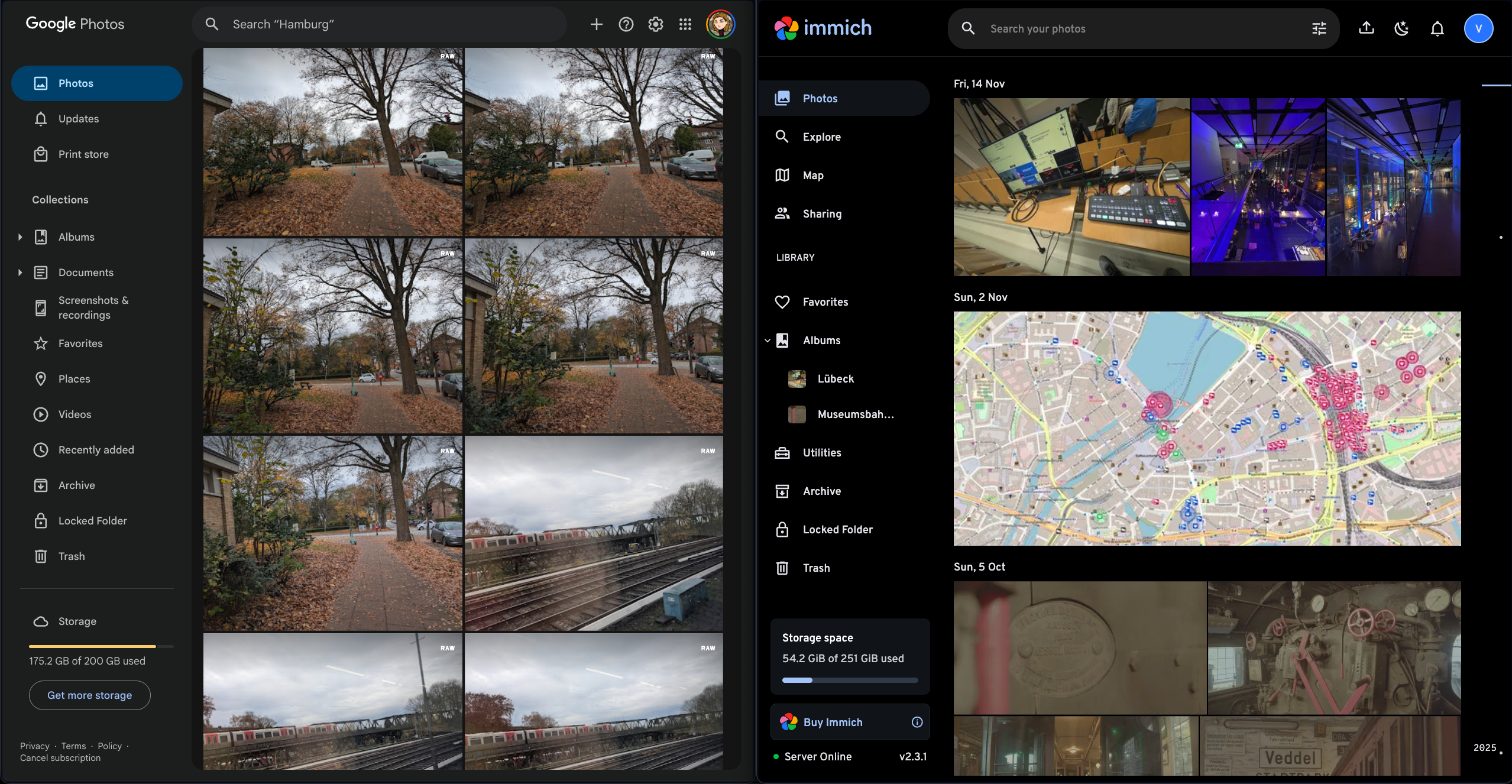
immich Google Drive ->
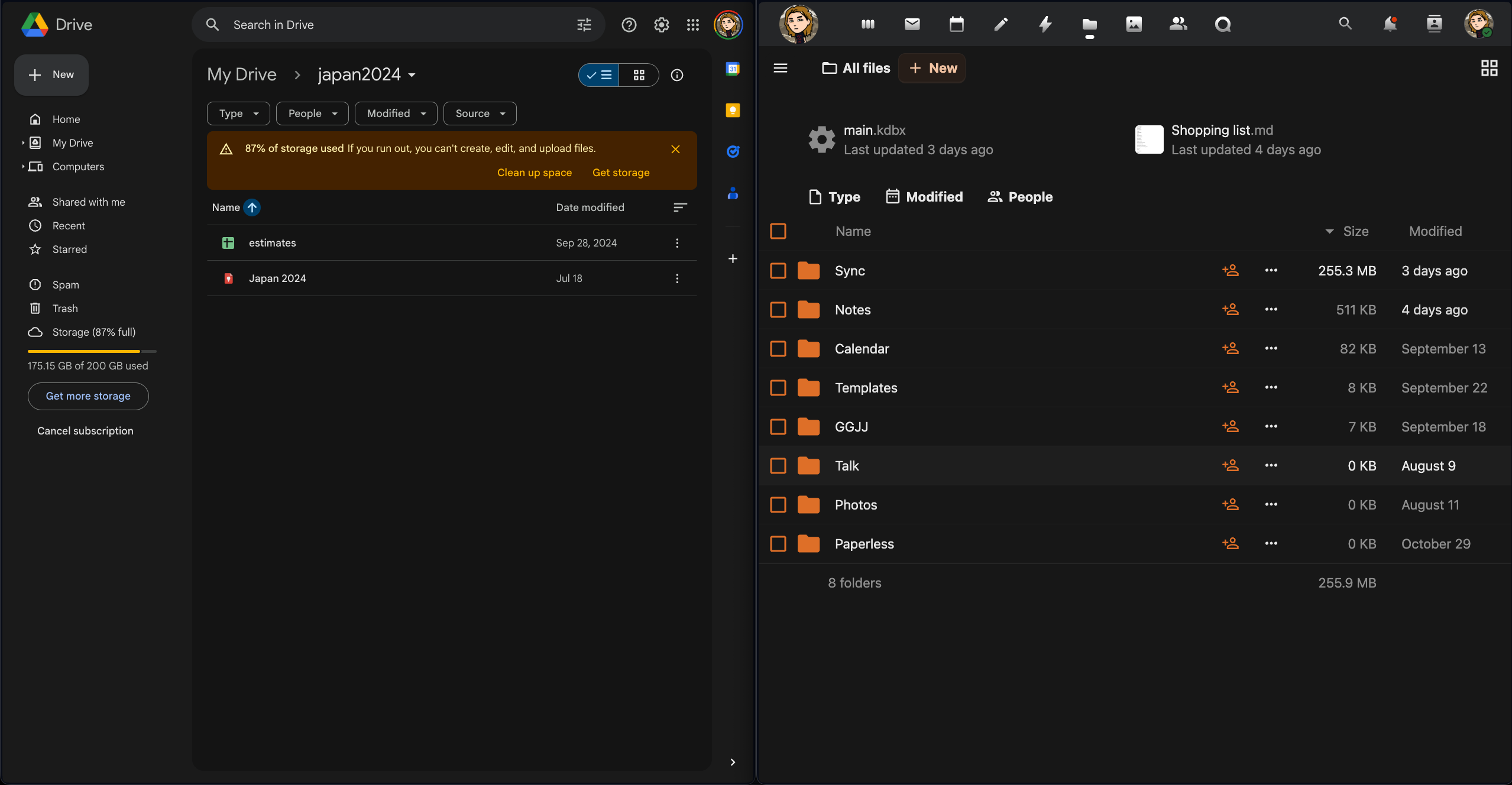
Nextcloud GMail ->
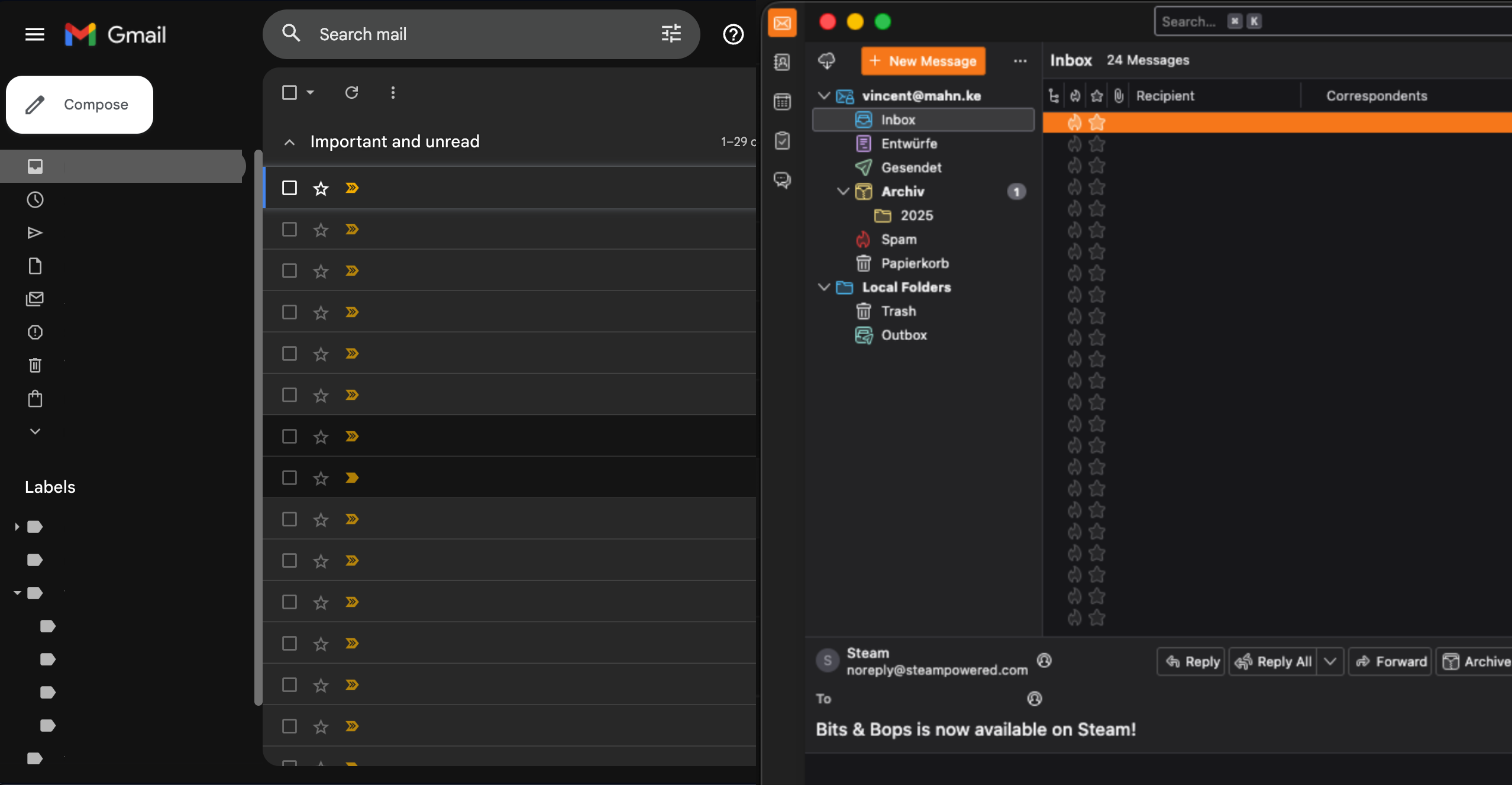
all-inkl FitX ->

wger TeamViewer ->
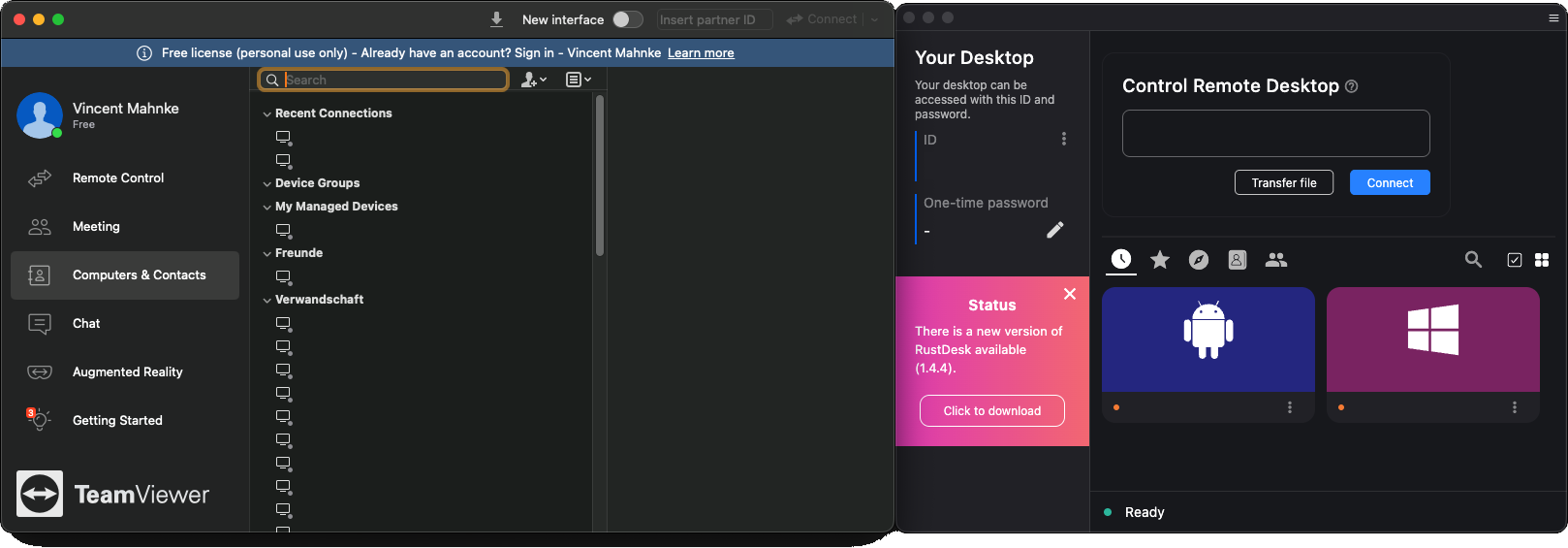
RustDesk Twitter ->
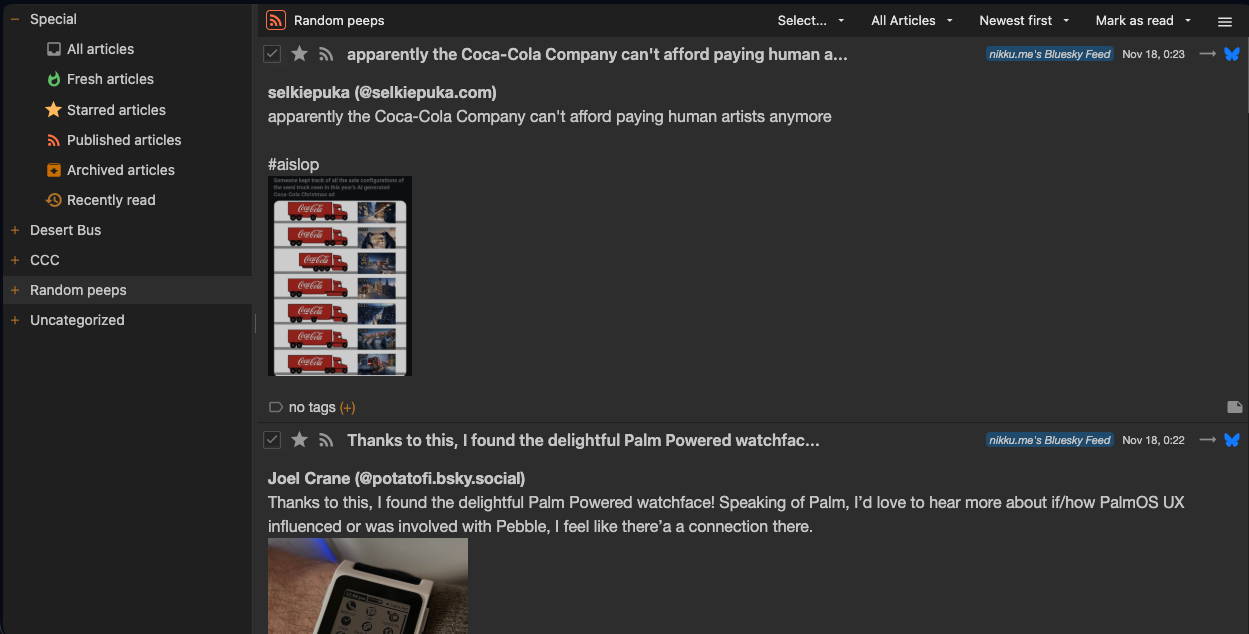
Tiny Tiny RSS Statuspage (Atlassian) ->
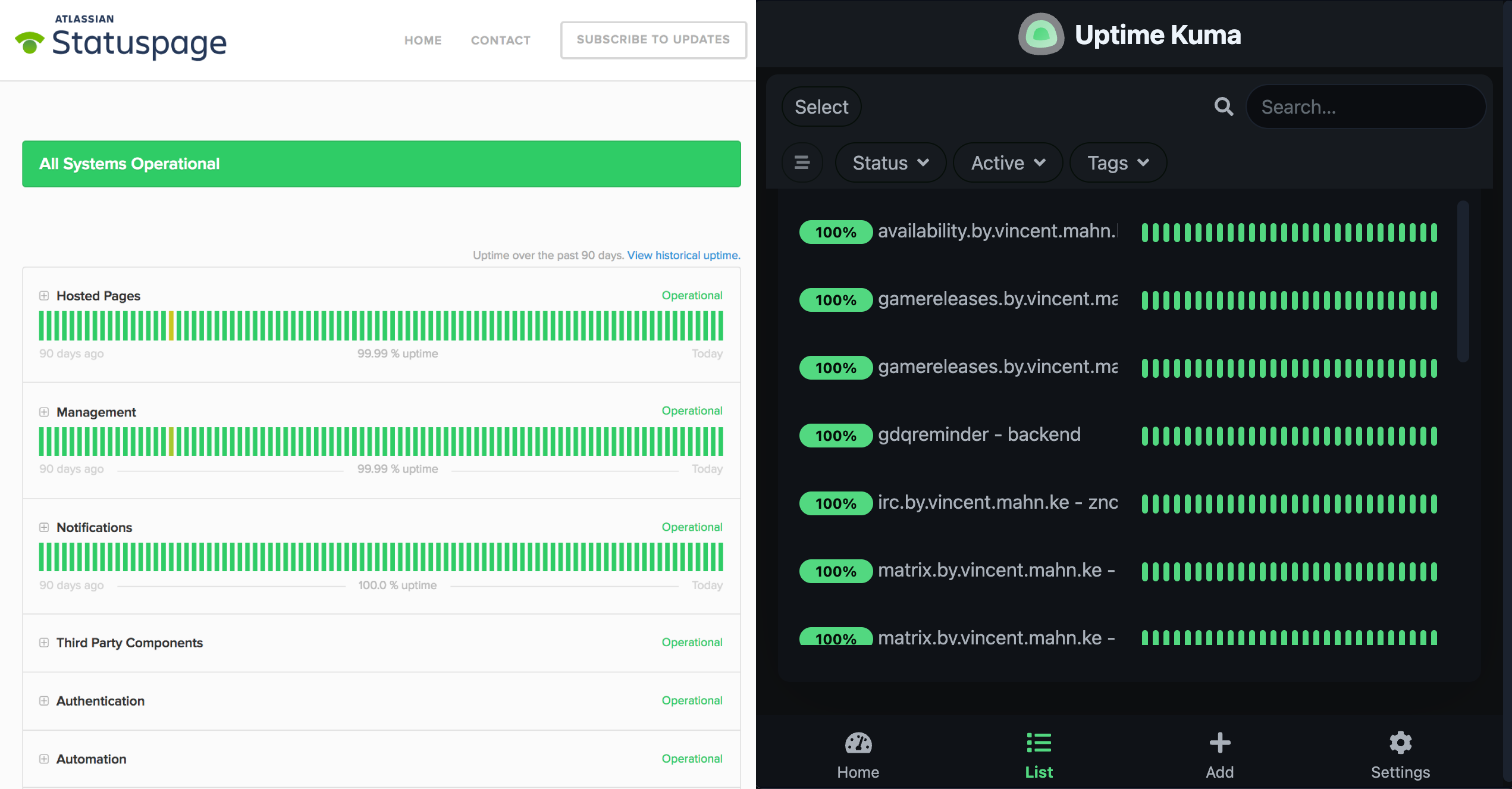
UptimeKuma Heroku / AWS ->
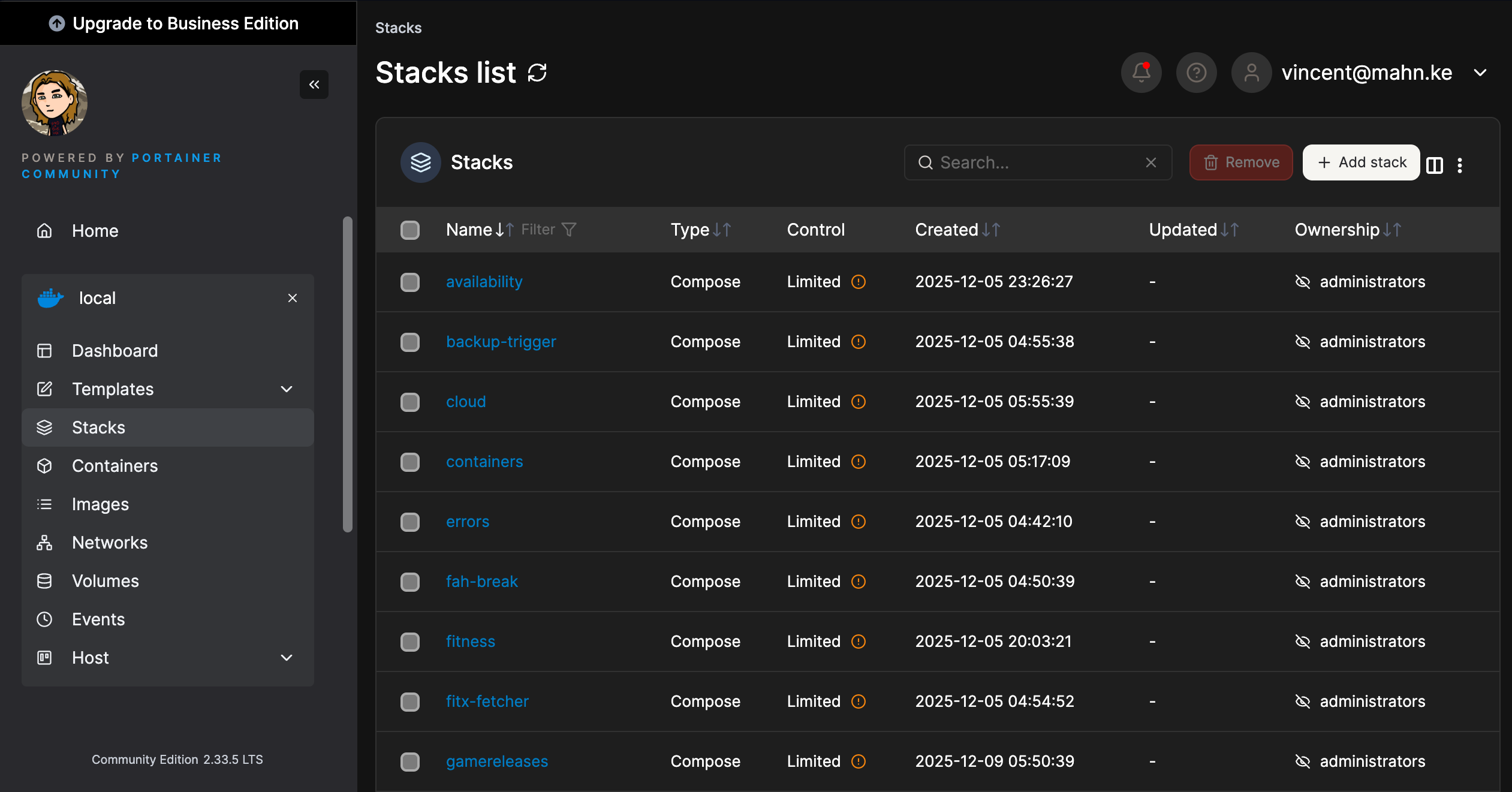
Portainer Sentry ->
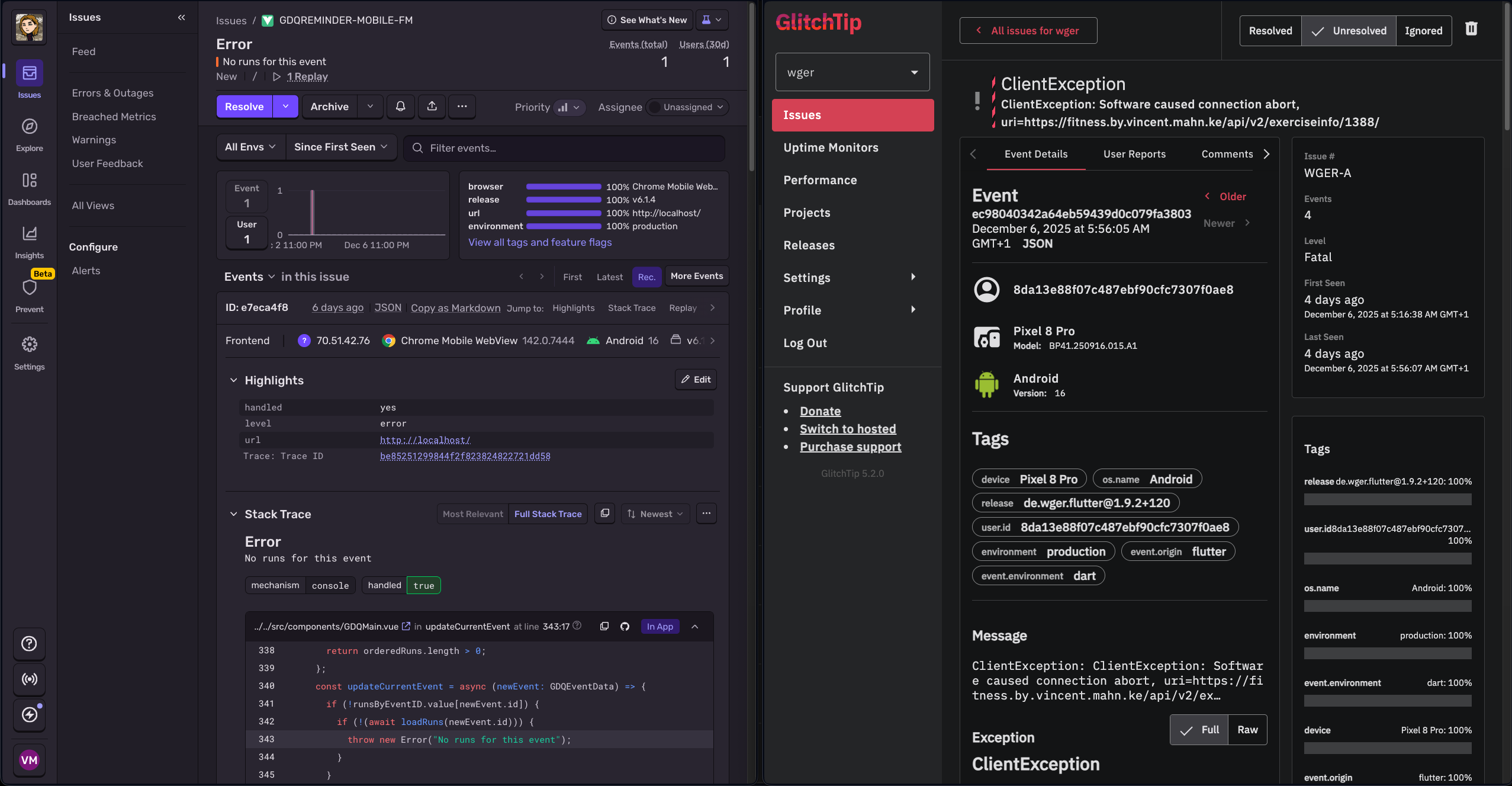
glitchtip Elasticsearch/Kibana ->
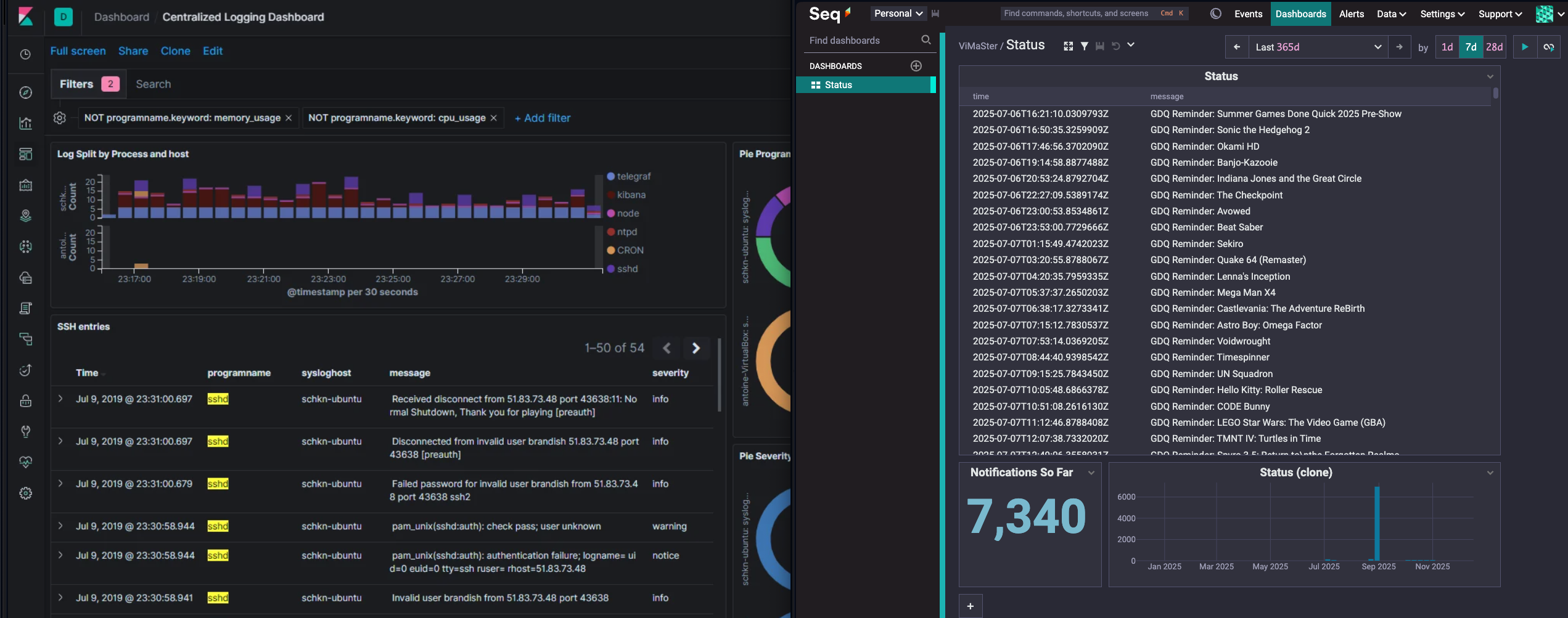
Seq Firebase ->
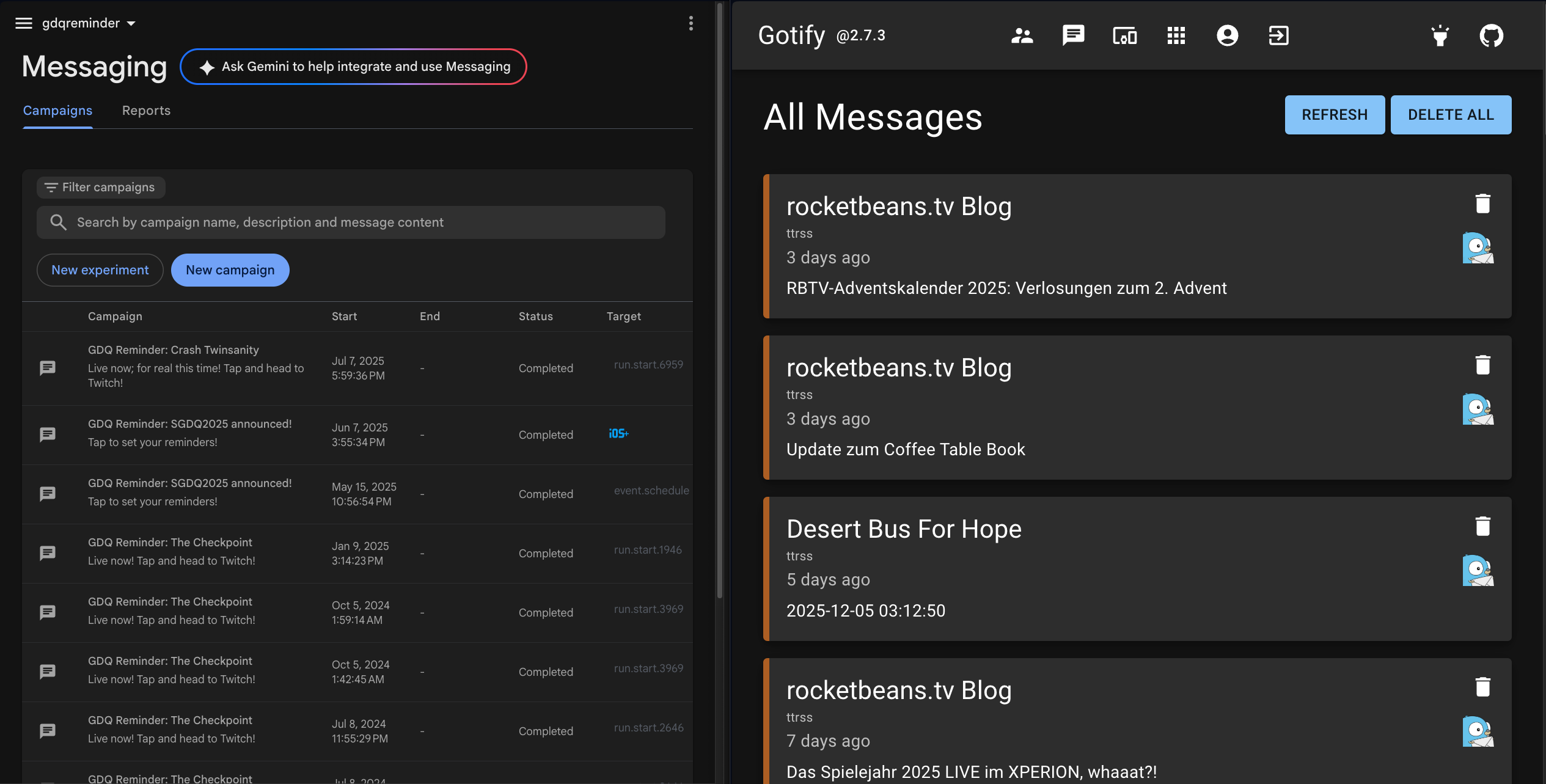
gotifier Single Sign-On ->
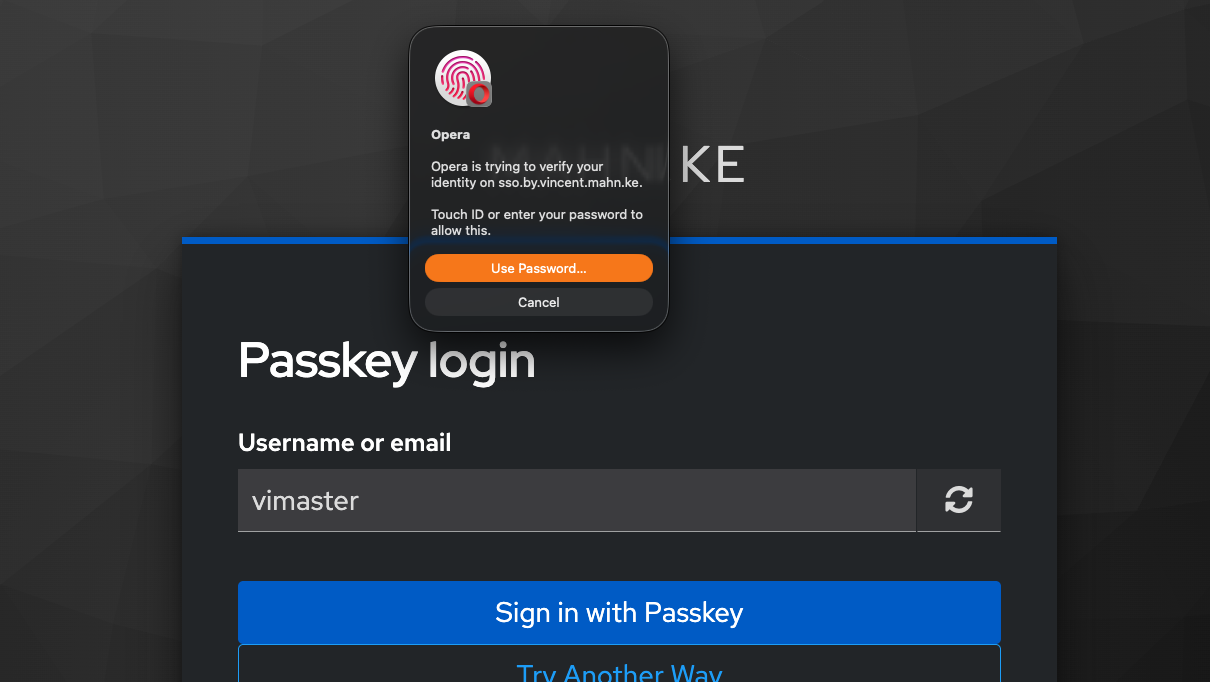
Keycloak

The future is you
vincent@mahn.ke
thank you.